USB 4-way switch: wiring guide
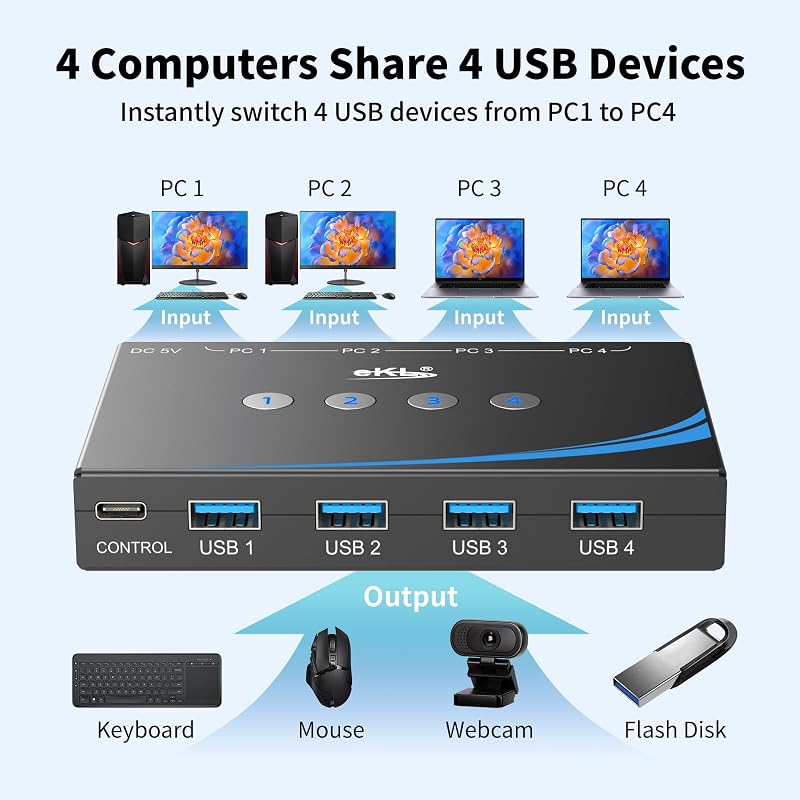
eKL 4-in/4-out USB 3.0 switch with RS232 control. One dongle, three computers, and testerspawn picks which computer gets it.
Blue = plugs into testerspawn
Black = everything else
The whole picture
What you need
| Item | Colour | Have it? |
|---|---|---|
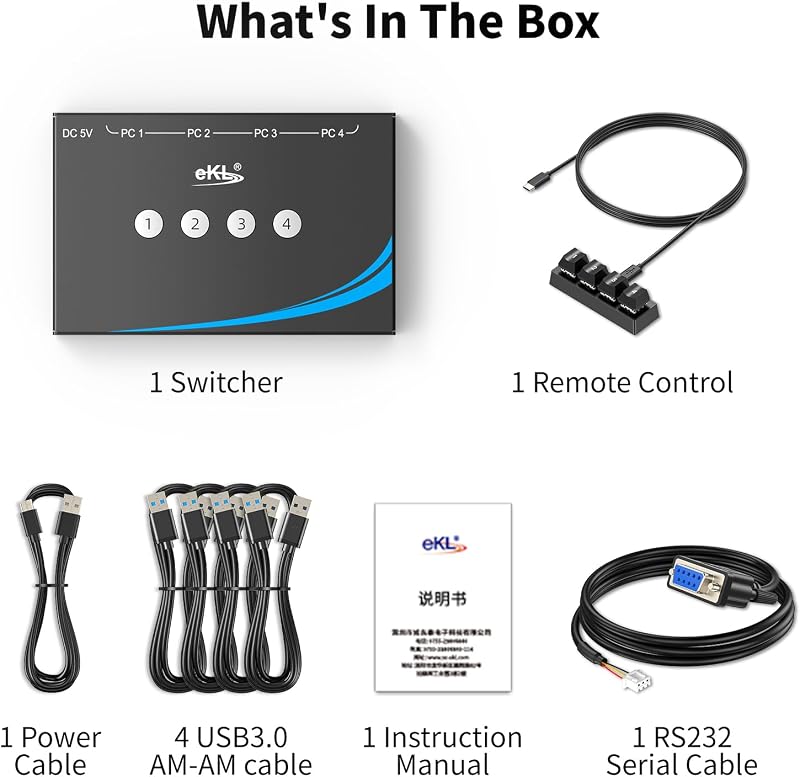
| eKL switch, power cable, 1-2-3-4 button remote, 4-pin→DB9 RS232 cable | — | In the box |
| USB-A to USB-A cable, switch PC 1 → Windows PC | Black | In the box (4 black ones come with it) |
| USB-A to USB-A cable, switch PC 3 → Mac | Black | In the box |
| USB-C (male) → USB-A (female) adapter for the Mac | — | Needed: the M1/M2 Mac only has USB-C |
| USB-A to USB-A cable, switch PC 2 → testerspawn | Blue | Use a blue one (or a black one with blue tape) |
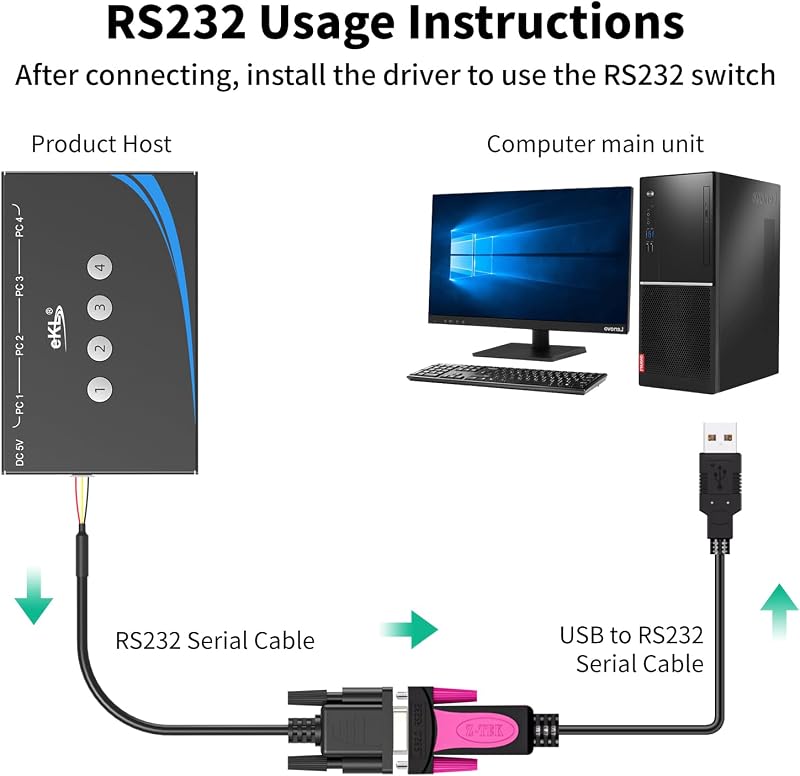
| USB-to-RS232 adapter with a DB9 male end (FTDI, Prolific or CH340 all work) | Blue | Not in the box, need to buy. testerspawn has no serial adapter right now |
| The dongle's USB cable (EVB P10 → switch USB 1) | Black | Reuse the one that goes P10 → testerspawn today |
Before Friday's calls are done: do steps 1–4 and 6 whenever you like. Leave step 5 (moving the dongle) until after your Friday calls, so the frozen board isn't touched.
Steps (tick as you go)
What I'll check once you say "wired"
- testerspawn sees the serial adapter (
/dev/ttyUSB0). - Send input 2 → the dongle (
0bda:8773) shows up on testerspawn. - Send input 1 → it disappears from testerspawn, and you confirm it appears on your PC.
- Same for input 3 (Mac), once it's set up.
- Board stays powered through every switch (UART log keeps running, no reboot).
- The 1-2-3-4 buttons still work after I've switched over serial.
| Switch to | Serial command (115200 8N1, hex) |
|---|---|
| 1 · Windows PC | AA 00 56 |
| 2 · testerspawn | AA 01 55 |
| 3 · Mac | AA 02 54 |
| 4 · spare | AA 03 53 |
From eKL's own setup video. No Windows drivers needed: your PC never touches the serial side.
Things to know
- The switch has its own sound card (the 3.5 mm jacks). It appears as an extra audio device on whichever computer is selected, and Windows may make it the default. After the first switch to your PC, check Windows sound settings: output and mic should be the dongle, not "USB Audio" from the switch.
- Switching takes about 2–3 seconds before the dongle appears on the new computer.
- On power-up the switch probably defaults to input 1 (your PC). I'll confirm that on the first test.
- Not checked yet: whether the board stays powered across a switch, and whether the switch answers serial commands. Both get tested first.
Product photos